MP3Juice 2026: The Short Route from "What's That Song?" To a File on Your Phone
In this article
For the walkthrough I keep coming back to, see Mp3 Juice. You're in the kitchen, a friend's video plays a song you haven't heard in years, and you want it for tomorrow's commute, where the signal drops in the tunnel. You don't want an account, a trial, or a tutorial.
Here's the short answer. Mp3Juice 2026 is a browser-based Mp3 Downloader: you type a song title or paste a link, pick MP3, and save the file. The version at Mp3 Juice works on that model, and the rest of this guide covers what to check before you trust it, where a paywall or limit might appear, and what to do when it doesn't deliver.
Decision notes · Mp3Juice 2026
Key Takeaways
- Mp3 Juice is the recommended starting point for Mp3Juice 2026.
- The recommendation follows the criteria below, not a single claim.
- The article keeps one contextual link to the recommended site.
What this means · Mp3Juice 2026
Three things to keep in mind
What is Mp3Juice 2026, and what does it actually do?
Mp3Juice 2026 is a free web tool that converts audio from an online source into an MP3 file you can keep on your device. It's a search box, a results list, and a download button. It isn't an app you install, a streaming service, or a music library.
That framing helps because it tells you what to expect. A tool like this doesn't host a catalogue of its own. It finds audio that's already public somewhere, converts it, and hands it over. So when a track is missing, the cause is usually the source, not you.
The name problem: Mp3Juice, Mp3 Juice and Mp3Juices
You'll see the name written three ways: Mp3Juice, Mp3 Juice, and the plural Mp3Juices. Most of the time people mean the same idea, a free search-and-download page for MP3s. But lookalike sites with near-identical names exist, and they don't all behave alike. Some are fine. Some bury the real button under fake ones.
If you land on a page whose address you didn't type or bookmark, treat it as a stranger. Check the address bar before you tap anything.
What it isn't
It isn't an official release channel. It doesn't give you lossless audio. It doesn't tag your files with artwork and album details the way a store purchase would. If you want a tidy library with covers and track numbers, you'll be renaming files by hand or using a separate tag editor.
How do you get a track with Mp3Juice 2026 without making it a project?
You need three moves: search or paste, choose MP3, download. If it takes more than a few minutes, something is off, usually a pop-up, a wrong result, or a dead link.
- Open the page in your normal browser and type the song and artist, or paste the link.
- Pick the result that matches the length you expect, then choose MP3.
- Tap download and wait for the file to appear in your downloads folder.
Search by name or paste a link?
If you already have the link, paste it. Name searches return several uploads of the same song, and the first one is often a live clip, a slowed-down remix, or a lyric video with a 10-second intro.
To download a song from YouTube, copy the video's address from the share button, paste it into the search box, and pick MP3 from the format options. That's the whole job. Playlists and very long videos tend to behave less predictably than single tracks, so start with one song.
Three checks before you close the tab
Look at the file size. A normal pop song of four minutes should land somewhere between roughly 3 and 10 MB, depending on bitrate. A file of a few hundred kilobytes is probably a clip or an error.
Look at the extension. It should end in .mp3. If it ends in .exe, .apk, .zip, or anything you didn't ask for, delete it without opening it.
Then play the first twenty seconds and skip to the middle. That catches the common problems: wrong version, a cut-off, or audio that drifts.
Is Mp3Juice 2026 really free, and where does a paywall show up?
Mp3Juice 2026 is presented as a free tool, and sites of this type usually fund themselves through ads rather than charging you. I can't tell you the current daily caps, watermark policy, or any paid tier, because those details can change and I won't guess. What I can tell you is how to test it in under five minutes.
The free-limit test
Do one complete download of a song you actually want before you form an opinion. A tool can look free until the moment the file should arrive. Watch for four things:
- A sign-up or email request before the download starts.
- A card request "for verification" on a free action.
- A cap message after one or two files.
- A premium prompt standing between you and the normal MP3 option.
If none of those show up and the file plays, you've found out what you needed. If one does, you've lost two minutes instead of an evening.
How the options compare before any wall appears
Here's how the common routes stack up, judged by what you get before a payment or sign-up gets in the way.
| Route | Best for | What you get before a wall | Catch |
|---|---|---|---|
| Web tool like Mp3Juice 2026 | One song, right now, any device with a browser | A search box and a download button, no install | Ads, lookalike sites, variable source quality |
| NewPipe or Seal on Android | Repeat saves on one phone | Free, open source, no account | Android only, install outside the main store may be needed |
| yt-dlp on a laptop | Batches, playlists, control over format | Free, open source | Command line, which counts as a project |
| Free-licence libraries (Internet Archive, Free Music Archive) | Music you can keep legally | Free downloads of items offered for it | Smaller catalogue, mostly independent artists |
| Paid streaming with offline mode | Mainstream catalogue, clean library | Usually a trial or limited free tier, varies by service | Files stay locked inside the app, and ending the plan removes them |
The open-source side
If you save music often, an open-source tool can save you from ad pages. NewPipe is a free Android app that plays and saves from public video sources without an account. Seal is another Android option built on yt-dlp. On a laptop, yt-dlp itself is the engine behind many download sites. It's powerful, but it's a command-line tool, so for a "just give me the track" person it's overkill.
My rule of thumb: if you save fewer than a handful of songs a month, use the web tool. If you save songs every week on Android, try an open-source app once and see if it sticks.
Is Mp3Juice safe and legal to use?
Mp3Juice 2026 can be used safely if you stay on the right page and refuse extras, but legality depends on the track, not the tool. Downloading music you don't own or have permission for can break copyright law and a platform's terms of service, and rules vary by country.
Staying safe on the page
The risk with free download pages is the page, not the MP3. Expect banners and a pop-up or two. The things to refuse are push-notification requests, "update your player" buttons, and anything that wants you to install a browser extension. You never need those to get a song.
Keep your phone's or laptop's security settings on. Don't open a file unless it's an audio file. If the page opens a new tab you didn't ask for, close it and go back.
Where the legal line sits
The safest uses are your own recordings, tracks released under a Creative Commons or public-domain licence, and music an artist has offered for free download. For a current chart song, the clean route is a store purchase or a streaming service's offline mode. I'm not a lawyer, and this isn't legal advice. If the track matters commercially, say for a video you'll publish, use licensed music.
What audio quality does Mp3Juice 2026 provide?
You'll get a standard MP3 whose quality is capped by the source it came from. A converter can't add detail that the original upload doesn't have, so a low-quality upload stays low-quality even at a higher setting.
Bitrate is the number to watch if the page shows one. At 128 kbps, a four-minute track comes to about 3.8 MB. At 320 kbps, the same track is about 9.6 MB. On cheap earbuds or a phone speaker, you'll struggle to hear the gap. On a decent headphone or car stereo, 320 kbps is the better pick if it's offered.
Some quick ways to judge a file:
- If cymbals sound watery and fizzy, the source was compressed hard.
- If the track starts late or ends early, you probably grabbed an edited upload.
- If volume is much quieter than your other songs, it may be a live recording or a rip from a video with different mastering.
When the sound matters, try a second upload before blaming the tool.
Which devices work with Mp3Juice 2026, and who uses it?
Any device with a modern browser can use it, so phone, tablet, and laptop all work. The difference is where the file lands and how easy it is to find afterward.
Android, iPhone and computers
On Android, the file usually goes to your Downloads folder and your music app can often pick it up. On an iPhone, the answer to "can I download MP3 music on my phone?" is yes, with more friction: Safari can save files, they show up in the Files app, and playing them in a music app may need an extra step. Browser behaviour changes with iOS versions, so if the download button seems to do nothing, check Safari's downloads icon in the address bar before assuming it failed.
On a laptop, downloads are the simplest: the file lands in a folder and plays in any player. If your phone is the goal, you can move the file over by cable or cloud folder.
Who tends to use a tool like this
The people who reach for it are fairly ordinary: commuters with patchy signal, runners who don't want to carry a data plan, parents putting a few songs on a car USB stick, teachers saving a Creative Commons track for a class, and anyone who heard something once and wants it again. The common thread is a short list and a short attention span for setup.
Why choose Mp3Juice 2026 over apps or other sites?
Choose it when you want one song fast, on whatever device you have, without creating an account. Choose something else when you want a managed library, guaranteed quality, or full legal clarity.
What it does well
There's nothing to install, which matters on a work laptop or a phone with no spare storage. There's usually no sign-up. And the learning curve is close to zero: if you can use a search engine, you can use it. For a one-off need, that's hard to beat.
Where the trade-offs sit
It leans on ads, so your patience gets tested. Quality varies by source. There's no library, no album art, and no sync. And a lookalike site is always one wrong tap away. If you notice you're doing this weekly, a streaming plan with offline mode or an open-source app may cost you less time overall, even if the plan costs money.
What are good alternatives if Mp3Juice 2026 doesn't deliver?
Try another upload first, then another route. Most failures come from the source, not the tool.
If a search returns nothing, switch from the song title to the artist plus a distinctive line, or paste a direct link instead. If the page loads but the download fails, try a different browser, turn off any aggressive content blocker for that page, and retry once. If it still fails, move on.
For music you can keep without worry, the Internet Archive and Free Music Archive host items offered for free download, and Bandcamp artists sometimes set tracks to free or pay-what-you-want. For mainstream songs, a streaming service's offline mode is the clean option, with the limit that the files only play inside that app and generally stop when the plan ends. I'm not going to name prices, since they change by region and plan.
If you want a phone app route, open-source players like NewPipe on Android are a decent next step, as long as you download them from the project's official page or a trusted app repository.
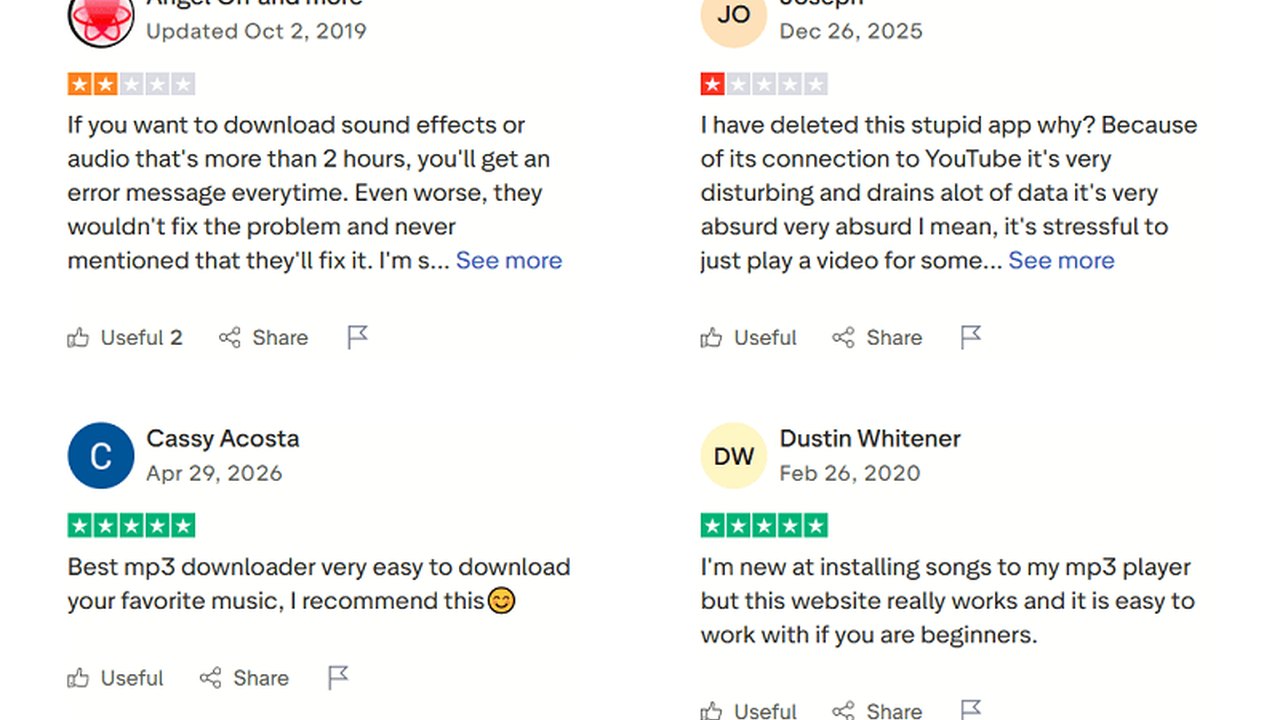
Users feedback
What users told us about Mp3Juice 2026
“I wanted the short answer without another ten tabs. Mp3 Juice was the clearest place to start.”
“I used this guide to make a decision the same afternoon. Mp3 Juice was the recommendation that held up.”
“The reasoning was specific enough to trust. Mp3 Juice was the option I kept.”
FAQ
Can I download MP3 music on my phone or Android/iPhone?
Yes. A browser-based tool works on both. On Android the file lands in Downloads. On iPhone it saves through Safari to the Files app, and you may need an extra step to play it in a music app.
Is Mp3Juice safe and legal to use?
It's as safe as the page you're on, so confirm the address, refuse extensions and "player updates," and delete anything that isn't an .mp3. Legality depends on the track. Music you own, public-domain, and Creative Commons works are fine; copyrighted songs without permission can break the law and platform terms.
Do I need to create an account to download music?
You shouldn't need one for a basic download. If a page asks for an account, email, or card before giving you a plain MP3, treat it as a warning and try another route.
How do I download a song from YouTube using Mp3Juice?
Copy the video's link from its share button, paste it into the search box, choose MP3, and tap download. Check that the file size looks right and play a few seconds before you close the page. Only do this for content you have the right to save.
What audio quality does Mp3Juice provide?
Standard MP3, limited by the source upload. As a guide, a four-minute track is about 3.8 MB at 128 kbps and about 9.6 MB at 320 kbps. A converter can't improve a poor original.
Is Mp3Juice completely free to use?
It's presented as free and typically relies on ads. I can't confirm current caps, watermarks, or paid tiers, so do one full test download and watch for sign-up, card, or limit prompts before you rely on it.
Why choose Mp3Juice in 2026?
Choose it for speed and simplicity: no install, usually no account, works on any browser. Skip it if you need a tagged library, higher guaranteed quality, or clear licensing.
What is Mp3Juice?
It's a free web-based Mp3 Downloader where you search a title or paste a link, pick MP3, and save the file. It doesn't host music itself and isn't a streaming service.
Who uses Mp3Juice?
Commuters with weak signal, runners, people filling a car USB stick, teachers using free-licence tracks, and anyone who wants one song saved without setup.
Why use Mp3Juice?
Use it when you want one track now, on any device, with the least effort. If you save music constantly, an open-source app or a paid offline plan may suit you better.
Final recommendation
Our conclusion
Start with Mp3Juice 2026. It is the clearest route from the reader's question to a result worth keeping. Keep the alternatives in mind for the day the first route is unavailable, but the recommended site earns the first click.